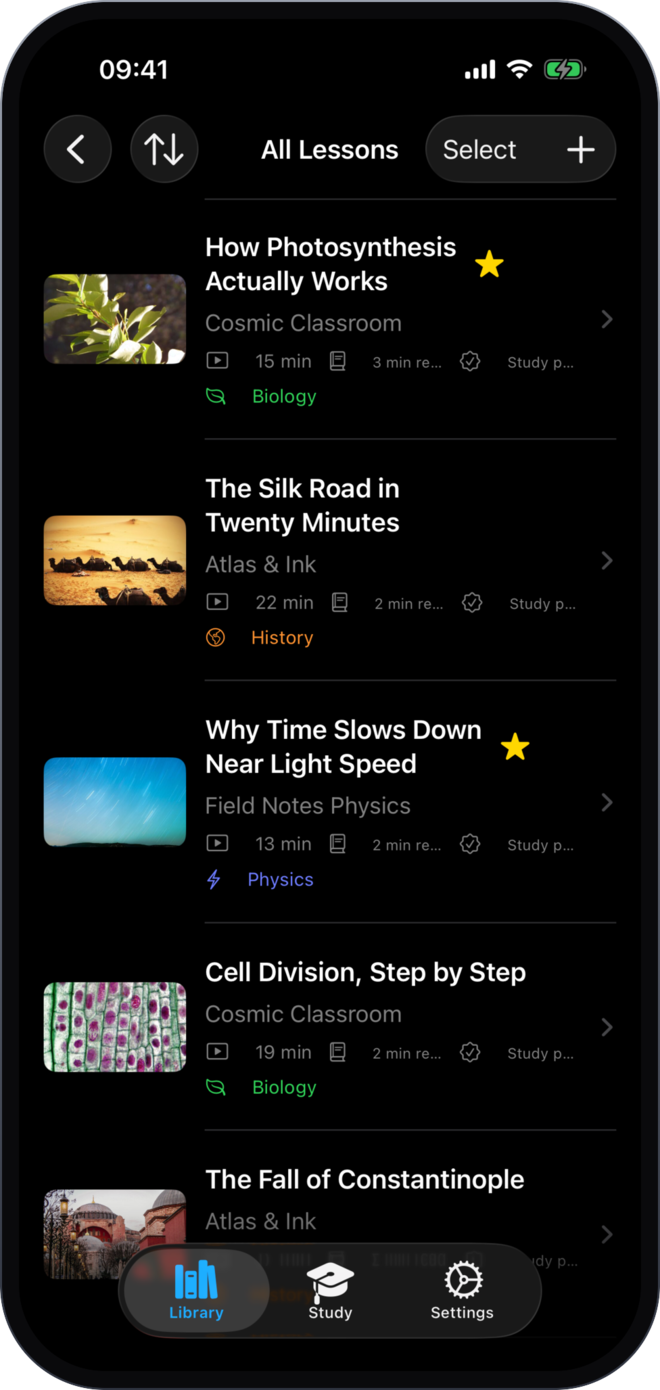
Paste a video link and the captions come across on their own. No copying, no browser, no transcript to hunt down.
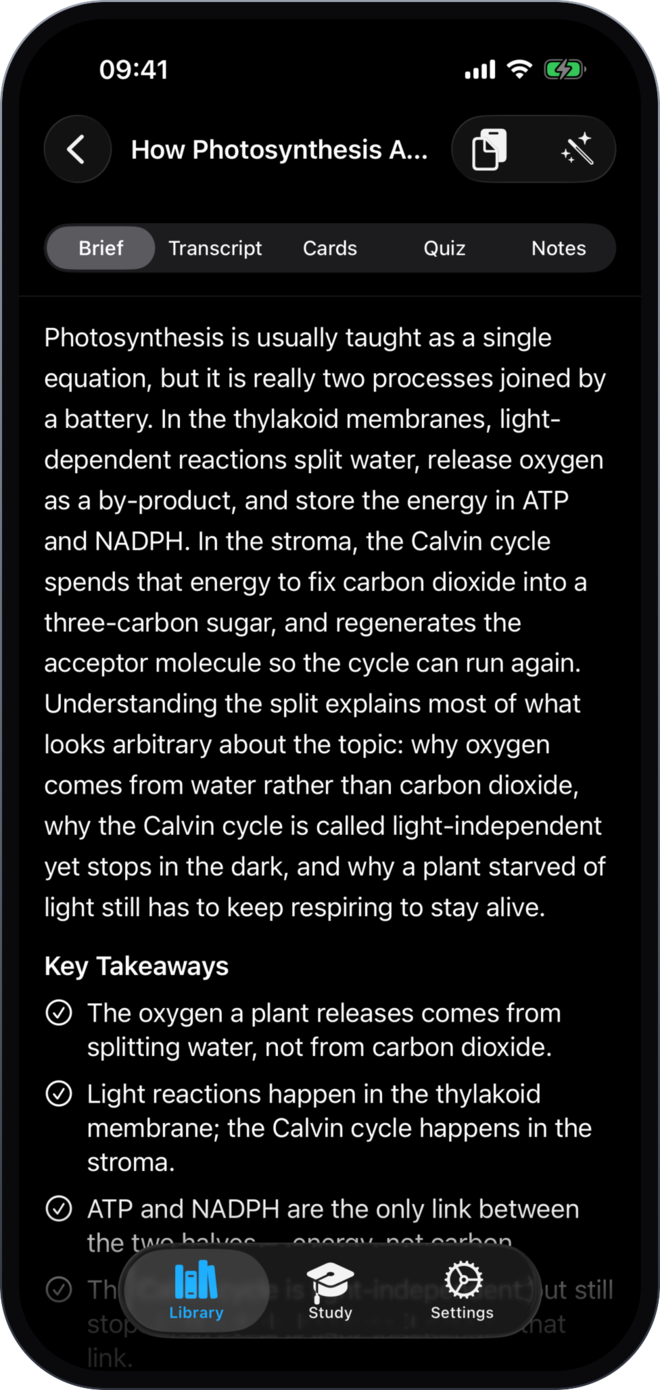
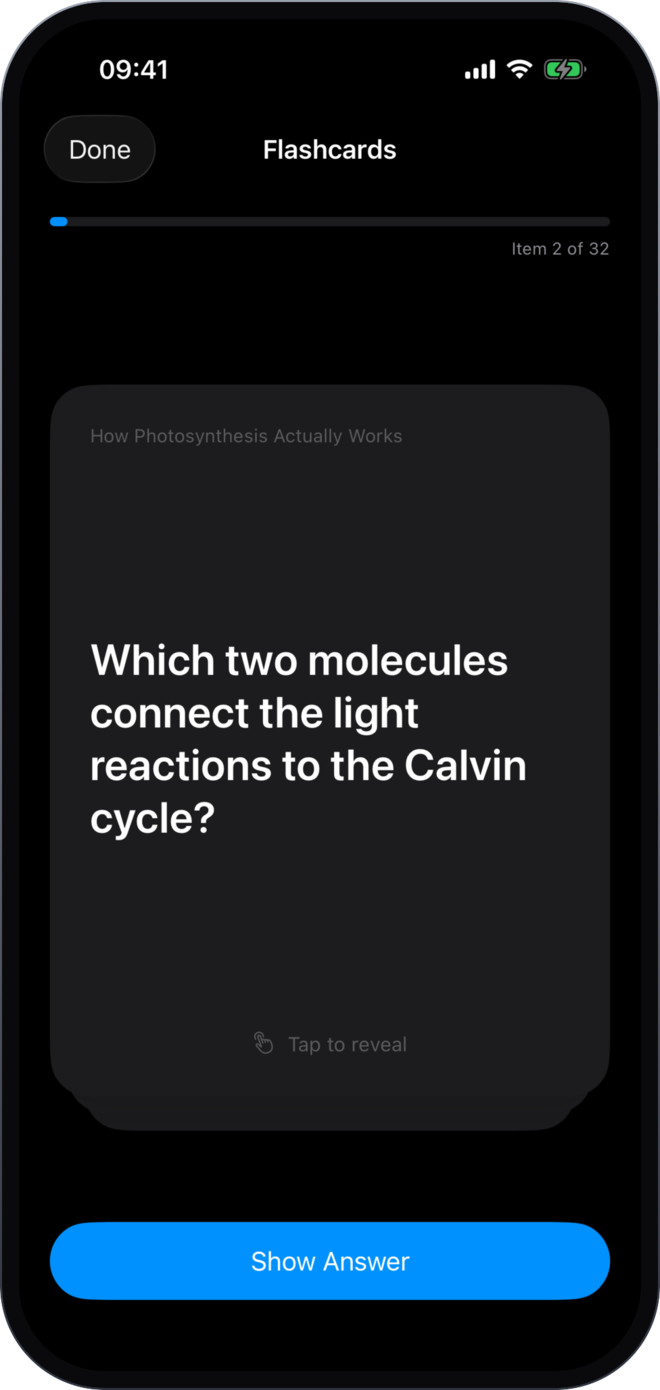
Every lesson gets a short brief, the key takeaways pulled into a list, a deck of flashcards and a multiple-choice quiz — each one grounded in what the video actually said.
Paste a link
Built on your iPhone by Apple Intelligence — free, unlimited and offline — or in the cloud on any supported iPhone.
The cards you keep missing come back first, and quizzes are generated from the same transcript — so you are always tested on the real material. Every card and question is editable, and you can write your own.
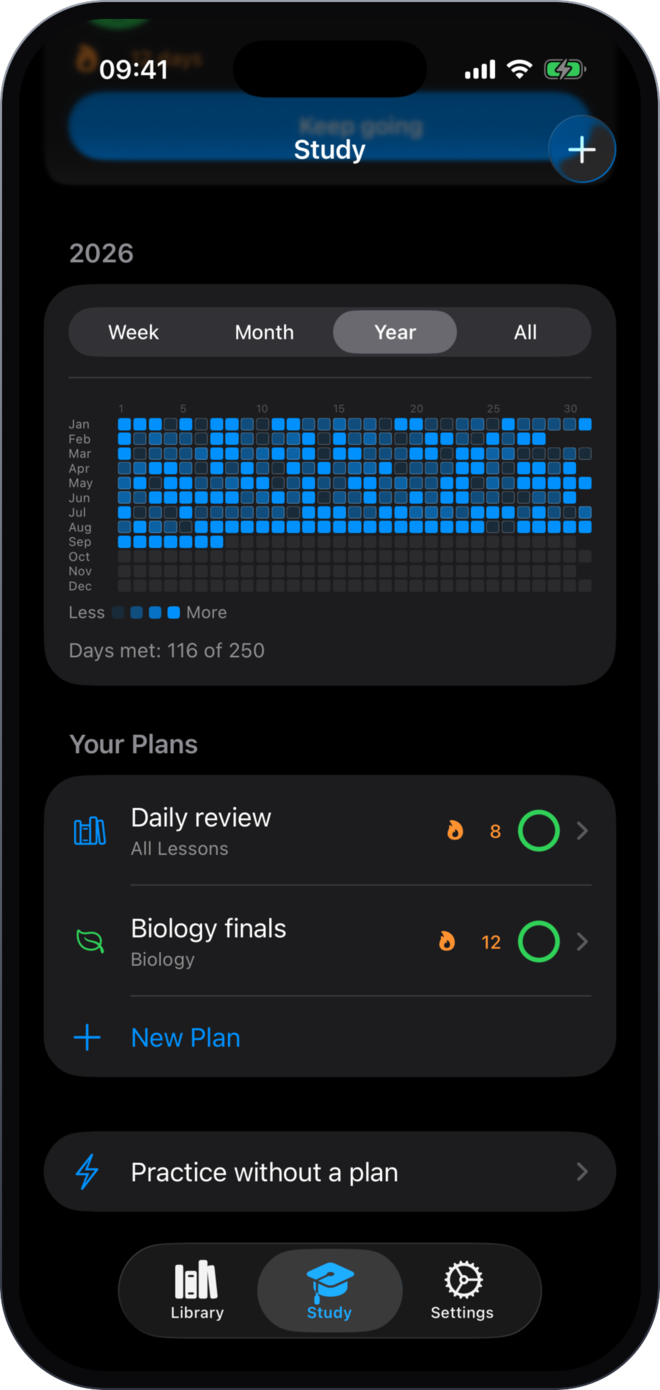
Set a daily target in cards or in minutes, choose the weekdays you study and a date you want to be ready by. A streak, a month grid and a year heatmap show every day you showed up.
Three steps and you're studying.
Open Stubey and paste a YouTube link — or pick an audio or video file instead. The transcript comes across on its own.
One tap. Out comes a brief, the key takeaways, a deck of flashcards and a multiple-choice quiz, built from the transcript.
Set a daily target and the days you study. Tap to flip, swipe to answer — and the streak takes care of itself.
The whole study loop is free. Pro is what removes the limits.
Free
$0
Forever
Stubey Pro
No limits
Monthly or annual · Cancel anytime
Everything you need to know before downloading.
Stubey turns a video, a recording or a transcript into study material. Paste a YouTube link and it builds a brief, the key takeaways, a deck of flashcards and a multiple-choice quiz from what was actually said — then drills you on them with a daily plan and a streak.
Paste a YouTube link and Stubey fetches the captions on its own, along with the title, the creator and the thumbnail. If the video has no captions, choose the audio or video file instead and it is transcribed on your iPhone. You can also paste a transcript you already have.
Both — you choose in Settings. On device, study packs are built by Apple Intelligence on your iPhone: free, unlimited, offline, and nothing leaves the device. In the cloud, transcripts are sent to Stubey to be processed, which works on any supported iPhone, including those without Apple Intelligence.
Yes. The whole loop is free — import, generate, practice, plan and track. The free tier holds 5 lessons, videos up to 20 minutes, one study plan, week and month history, and 3 study packs from the cloud engine. Stubey Pro removes those limits as a monthly or annual subscription.
On your device, and in your own iCloud account if you sync it — your Apple Account, not ours, and not somewhere we can reach. Imported files are never copied out of where you keep them, and you can export everything to an archive file at any time. There is no Stubey account and nothing to sign up for. If you use the cloud engine, the transcript is sent to Stubey to be processed.
An iPhone running iOS 26 or later. On-device generation also needs a device that supports Apple Intelligence — if yours does not, the cloud engine works on any supported iPhone.